
You land in Spain, get your phone onto the wifi, and do the most ordinary thing in the world. You open your American bank app to check your balance after the move. And your bank, the institution whose entire job is to keep your money safe, completely loses its mind.
The login gets flagged or blocked. A card gets frozen, sometimes at the exact moment you are standing at a checkout. And to confirm it is really you, the bank fires off a verification code or an automated call, except it sends it to the US phone number on your file, the one that no longer works now that you have a Spanish SIM. Just like that, you are standing in a foreign country, locked out of your own money, by your own bank.
If you are moving abroad, or even just traveling for a few weeks, this is one of the first unpleasant surprises waiting for you, and it is a genuinely stressful one. The good news is that it is completely avoidable, and the fix takes about five minutes to set up. Here is exactly what happens, why your bank does it, and the one simple setting that expats switch on before the flight so that it never happens to them at all.
Check more and get the best VPN option this Black Friday season
What Actually Happens When You Log In
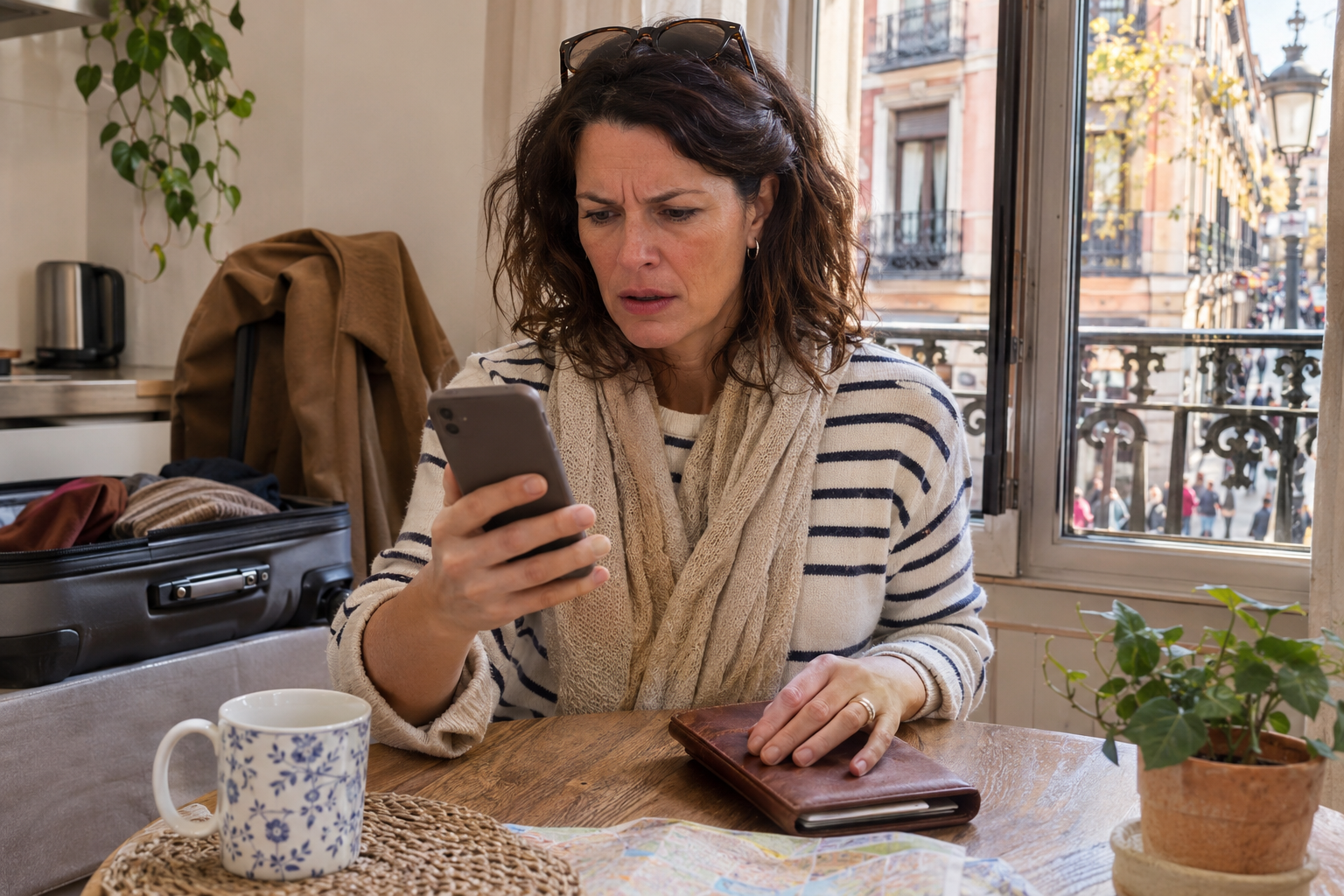
The trouble begins the instant your bank notices you are logging in from a Spanish internet address rather than an American one. To your bank’s fraud-detection system, that sudden jump across the Atlantic looks exactly like what a criminal would do, and it reacts accordingly.
The problem is that the system genuinely cannot tell the difference between you on holiday and a thief in another country. One day your account is accessed from Ohio, the next from Madrid, and to the software that is a glaring warning sign rather than a life change. So it does what it was built to do: it treats the foreign login as a probable break-in and starts locking things down to protect you, which is precisely how it ends up hurting you instead.
From there the trouble cascades fast, and in a particular order that expats come to know well. Your login gets challenged or refused, your debit or credit card gets frozen as a precaution, and the bank tries to verify your identity through a code or a callback to the US number it still has on file. If that number no longer works, and for most people who have moved abroad it does not, you simply cannot complete the verification, which means you cannot unlock the account, which means you cannot reach your money. The security step that was meant to save you has stranded you, in a country where you really need access to your funds, and it happens to expats constantly.
Why Your Bank Treats You Like a Thief
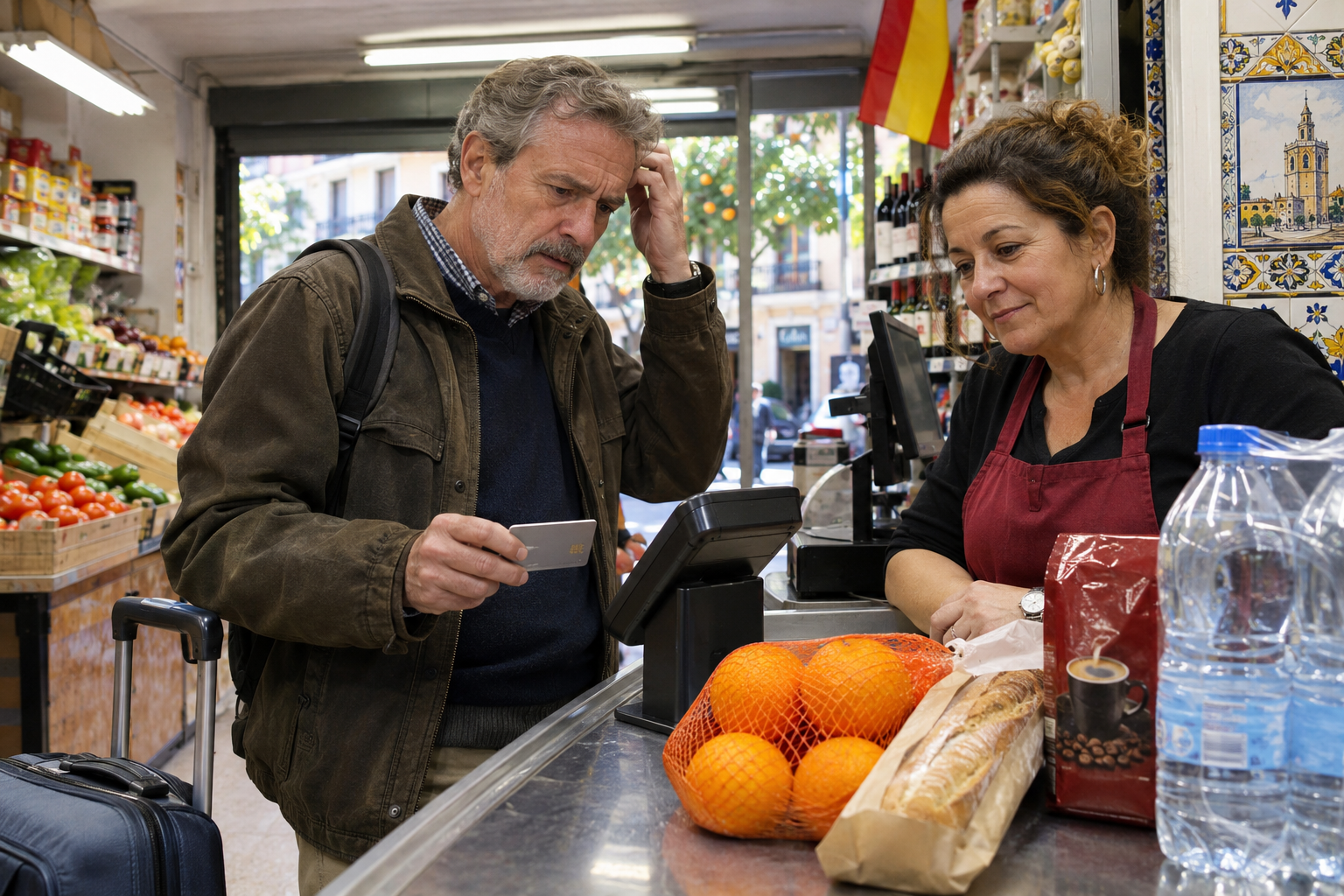
It helps to understand that your bank is not being foolish here; it is being careful, just in a way that works directly against you. Banks pay close attention to where their customers log in from, because a login from an unexpected country is one of the single clearest signals of fraud they have to work with.
The logic, from the bank’s side, is sound. An account that is suddenly accessed from abroad is, statistically, very often a compromised one, so the safest assumption for the bank to make is that a foreign login might be a stolen account in action.
Rather than risk letting a thief drain your money, the system freezes everything first and asks questions later, which is a reasonable policy for catching real fraud even though it catches a lot of innocent travelers in the same net. You are not fraud, of course; you are just an American who happens to be in Spain now, but the bank’s software has no way of knowing that, because all it can actually see is the foreign internet address.
And that is the crucial detail, because it points straight at the solution. The thing setting off every alarm is not your behavior, your spending, or anything you have actually done wrong; it is simply the location your connection appears to come from. The bank panics because it sees you logging in from Spain, so the entire problem comes down to one fact about your connection. Change that one fact, and the panic never starts, which is exactly what the fix does.
Check more and get the best VPN option this Black Friday season
The Setting That Fixes It
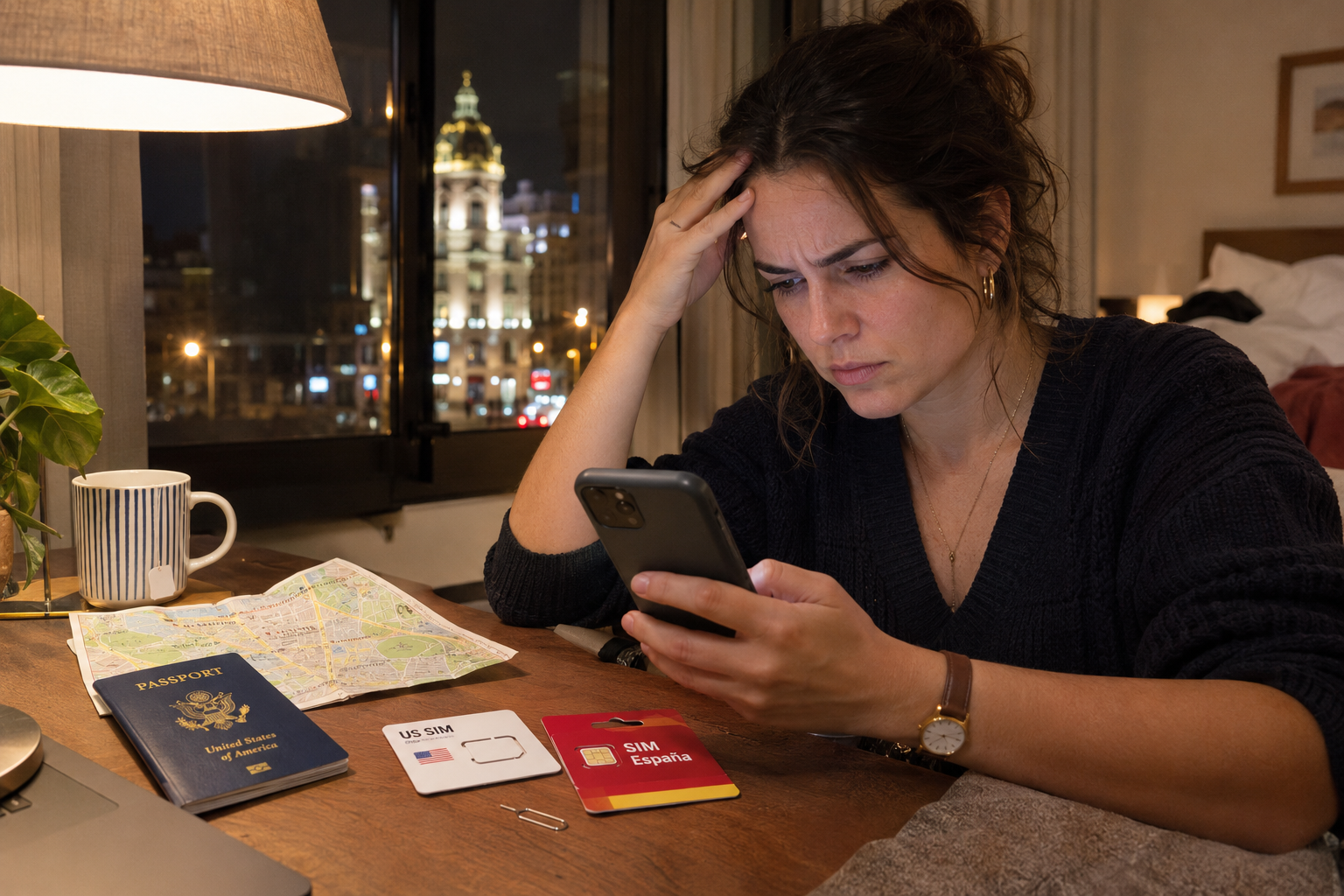
This is where a VPN comes in, and it is the single setting that quietly solves the whole problem before it can begin. A VPN, or virtual private network, lets you choose where your internet connection appears to the outside world to come from, routing your traffic through a server in a location of your choosing.
The way you use it for banking is beautifully simple. You switch the VPN on, connect to a server back in the United States, and only then do you open your bank app.
Now, instead of a suspicious login from Madrid, your bank sees a perfectly normal, ordinary American login coming from an American address, exactly the kind it sees from you a thousand times without blinking. No red flag is raised, no card is frozen, and no callback is triggered to a phone number you cannot answer. You simply check your balance as if you were sitting on your own couch back in Ohio.
That is the entire trick, and it is the reason experienced expats never run into the frozen-card nightmare in the first place. They connect to a US server before they log in, so their bank quite literally never sees that they have left the country, and their accounts carry on behaving normally throughout the move and long after. It is the difference between a relaxed arrival in your new home and a frantic hour on hold with your bank’s fraud department from a foreign hotel room, trying to prove you are you to a system that has already decided you are not.
How to Set It Up
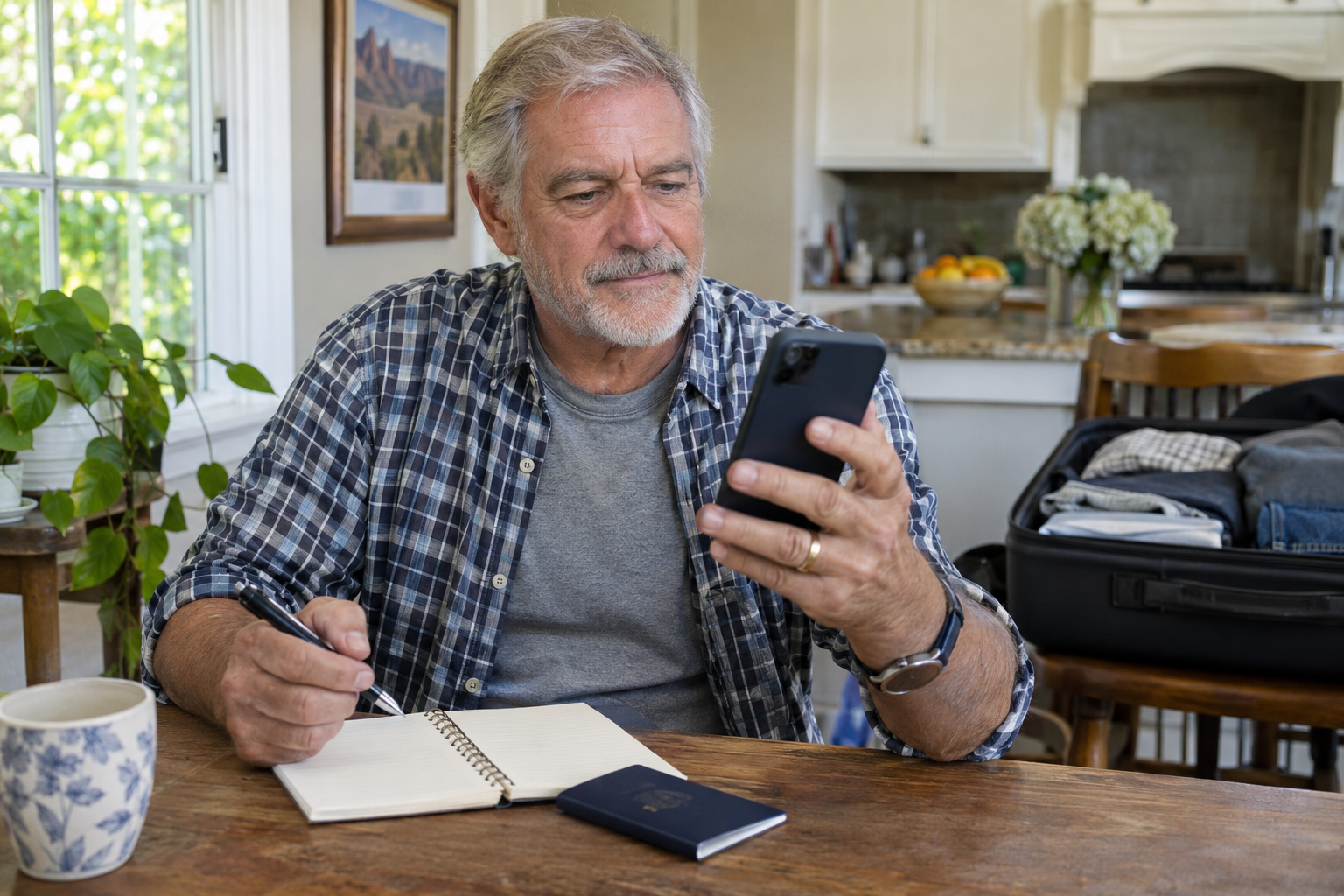
The practical part is refreshingly easy, and the whole thing takes just a few minutes, which is worth stressing because people often imagine a VPN is complicated and technical. It is not; modern VPN apps are designed for ordinary people and work with a couple of taps.
The steps are straightforward. You sign up for a reputable VPN service, download its app onto your phone and your laptop, and open it, then choose a server located in the United States from the app’s list and tap to connect, and within a second or two you have a US internet address.
From that point, any app or website you open, including your bank, sees you as being in the United States, and you bank, shop, and browse exactly as you would at home. When you are done, you can leave it connected or switch it off as you like.
The single most important piece of advice is about timing, and we will come back to it at the end: set this up before you leave the country, not after. The entire point is that your very first login from abroad should look completely normal to your bank, which means the VPN needs to be installed, tested, and working before you ever log in from foreign soil. Do it at home, confirm your bank app behaves while you are connected to a US server, and you have removed the problem entirely before it has any chance to appear.
Check more and get the best VPN option this Black Friday season
It Is Also About Keeping Your Money Safe
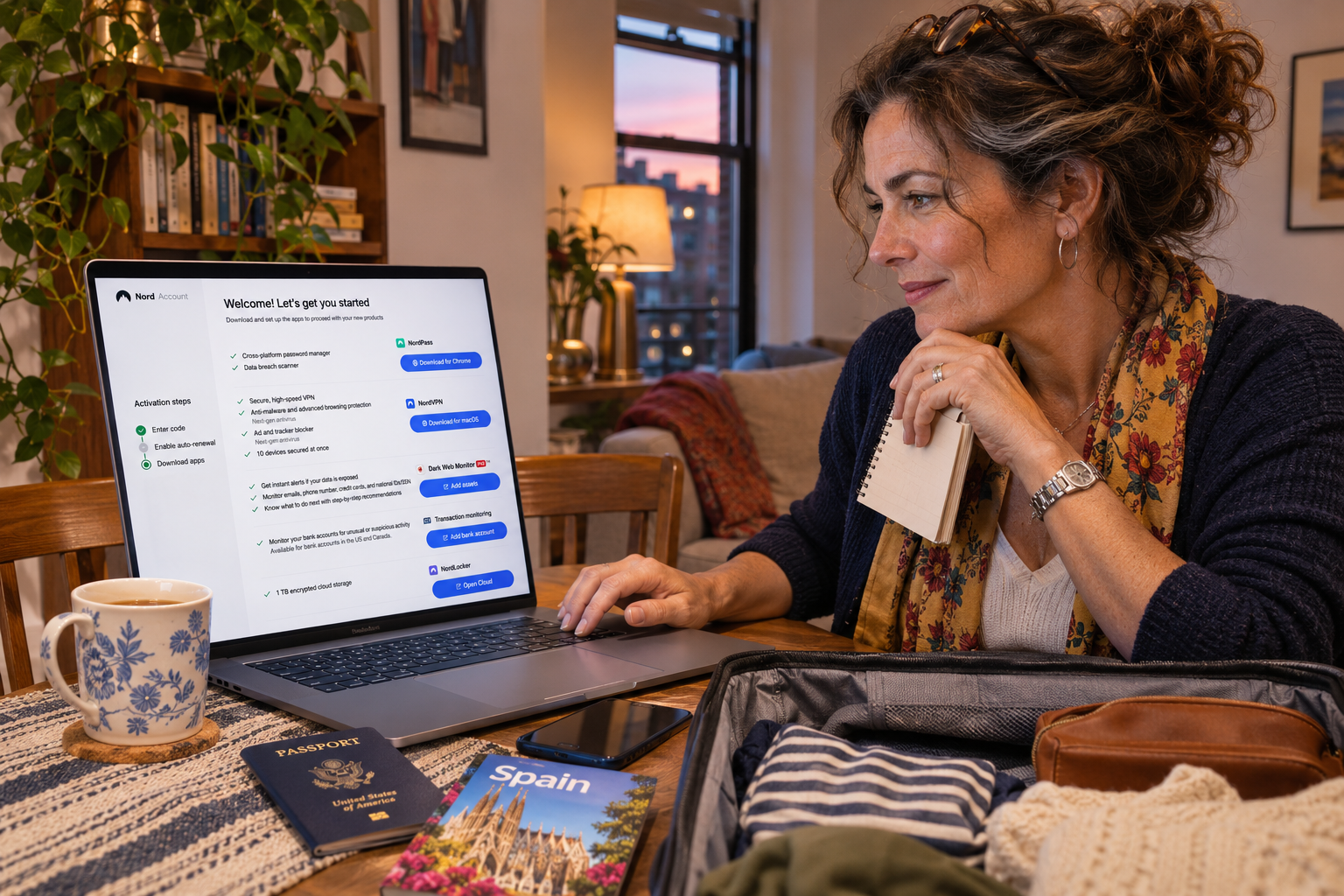
Here is the part people tend to forget, and it matters just as much as the flagging issue: logging in from abroad is not only a flagging problem, it is a genuine security problem, and the right VPN handles both at once. When you live or travel abroad, you are constantly connecting through wifi networks you do not control.
Think about where you actually get online when you are away. Airport wifi, hotel wifi, the cafe on the corner, the apartment you just rented through a listing, a friend’s network. These shared, public, unfamiliar networks are exactly the places where people have their banking details and passwords stolen, because anyone else on the same network can potentially snoop on the data you are sending, and logging into financial accounts on such networks is genuinely risky. A good VPN encrypts your entire connection, scrambling it so that even on the sketchiest public wifi, your banking stays private and unreadable to anyone trying to listen in, which is reason enough to use one the moment you set foot abroad.
The service we use, NordVPN, goes further still, which is a big part of why we trust it with our banking in the first place. Its built-in Threat Protection actively blocks malware, dangerous downloads, trackers, and ads, and it warns you before you land on a phishing site or a fake online shop designed to steal your card details. It even scans your downloads for threats and flags apps with known security holes, and much of that protection keeps working even when you are not connected to a VPN server, so your defenses are always on. So on top of making your bank login look normal, it is actively stopping the scams, fake banking sites, and malware that specifically target people when they are stressed, distracted, and far from home, which is precisely when you are most vulnerable.
Why We Use NordVPN
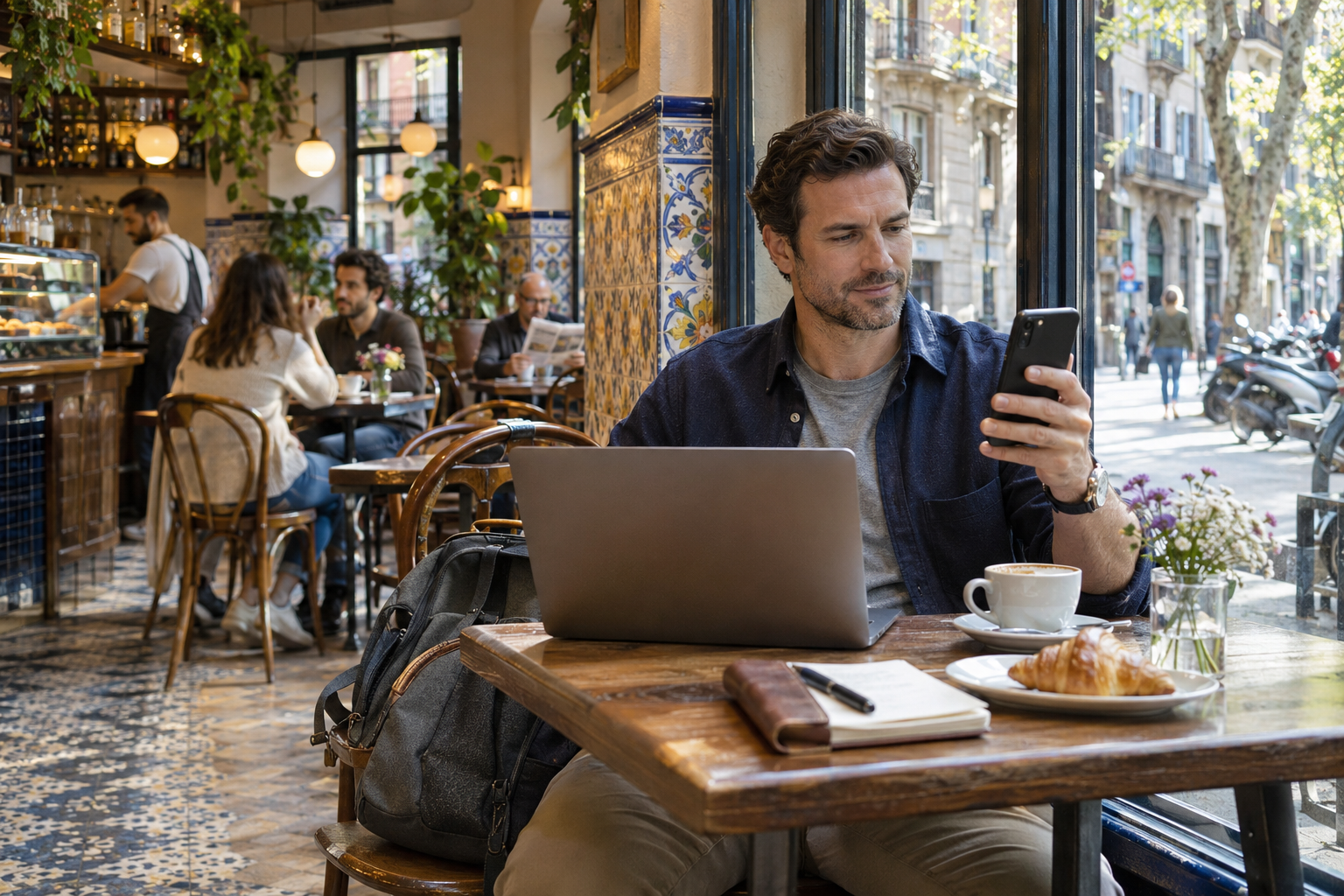
There are a great many VPNs on the market, and we have landed on NordVPN because, for this particular job of banking and living abroad, it is a genuinely strong fit on every count that matters. Here is what actually makes the difference.
It has servers in the United States and across more than 225 locations worldwide, so getting an American IP address to calm your bank down, or a connection to almost anywhere else you might need, is instant and reliable. It is also one of the fastest services available, thanks to its NordLynx technology, which matters more than you might think, because a slow VPN makes your banking and browsing feel sluggish, and a fast one feels like nothing changed at all. One account covers up to 10 devices at once, so your phone, your laptop, your partner’s phone, and the family tablet are all protected on a single subscription, which means the whole household is handled rather than just you.
The security features we described, the Threat Protection and antivirus tools that guard against malware, phishing, and fake sites, all come built into the same app at no extra cost, so you are getting real protection rather than just a location trick. It is also a large, well-known, trusted name with a long track record, which genuinely matters when you are choosing who to route your internet connection and your banking traffic through; this is not the moment for some obscure free app of unknown origins. On the two-year plan it usually works out to somewhere around three to four dollars a month, which is almost nothing measured against the cost, time, and sheer stress of a single frozen-card emergency in a foreign country. And crucially, it comes with a 30-day money-back guarantee, so you can set it up, test it thoroughly against your own bank before and during your move, and claim a full refund if it does not do exactly what you need.
If you want to try it, you can set up NordVPN here and test it risk-free against your own accounts before you rely on it.
A Few Questions People Always Ask
Because this is the kind of thing people want to get right, a few common questions come up again and again, and they are worth answering plainly before you set it up.
The first is whether this is allowed, and the honest answer is that using a VPN is entirely legal in Spain and across the European countries expats move to, and using one to access your own bank account from abroad is a normal, widespread practice. You are not doing anything to your bank except making your legitimate login look as ordinary as it actually is. The second common question is whether a VPN will slow everything down, and with a fast modern service the answer is that you will barely notice; this is exactly why the speed of the service matters and why we use one built for it. A third question is whether you need to leave it on all the time, and the answer is no, you only strictly need it on when you are logging into US accounts that might flag a foreign connection, though many people leave it running for the security benefits on public wifi.
The last question is usually the most practical one, which is whether it is worth it, and that comes down to a simple comparison. Set against the cost of a few dollars a month and five minutes of setup, you are weighing the very real alternative of a frozen card far from home, a dead-end verification call to a number you no longer have, hours lost to your bank’s fraud line, and the genuine problem of being unable to reach your own money in a foreign country. Put that way, it is one of the easier calls an expat will make.
Check more and get the best VPN option this Black Friday season
Set It Up Before You Fly
If there is one thing to carry away from all of this, it is the timing, because it is the piece people most often get wrong. Do it before you leave, not after you have already been locked out.
The whole strategy depends on your very first login from abroad looking completely normal to your bank, which means the VPN must be installed and working before you ever log in from Spanish soil. Set it up at home in a calm moment, connect to a US server, confirm your bank app behaves exactly as it should, and you will have quietly removed the entire problem before it ever has a chance to start. Five minutes of preparation now spares you a frozen card, a useless verification call, and a very stressful afternoon trying to reach your bank from another continent later on.
Moving abroad comes with enough genuine surprises and real adjustments without your own bank adding a self-inflicted one to the pile. With the right setting switched on before the flight, getting locked out of your own money simply will not happen, and you can arrive in your new life able to do the most basic and important thing of all: reach your money when you need it. You can get NordVPN and set it up before you go here, and the 30-day guarantee means there is genuinely no risk in trying it first.

About the Author: Ruben, co-founder of Gamintraveler.com since 2014, is a seasoned traveler from Spain who has explored over 100 countries since 2009. Known for his extensive travel adventures across South America, Europe, the US, Australia, New Zealand, Asia, and Africa, Ruben combines his passion for adventurous yet sustainable living with his love for cycling, highlighted by his remarkable 5-month bicycle journey from Spain to Norway. He currently resides in Spain, where he continues sharing his travel experiences with his partner, Rachel, and their son, Han.